

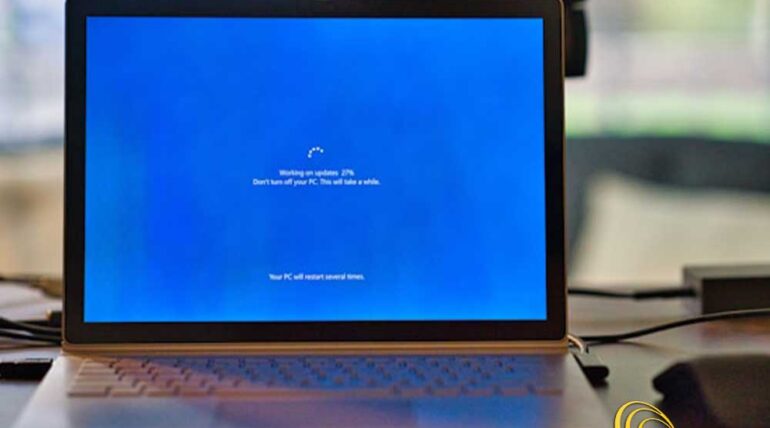
If your business is still running Windows 10, now is the time to start planning for change. As of October 14, 2025, Microsoft will officially end support for Windows 10. That means no more updates, no more patches, and, most importantly, no more security fixes.
While October might seem far off, in business terms, it’s just around the corner. Failing to prepare can leave your company exposed to security risks, compliance issues and costly disruptions.
Here’s what you need to know and why acting early can save you time, money and stress.
What Does “End of Support” Actually Mean?
When Microsoft ends support for an operating system like Windows 10, it stops providing:
- Security updates
- Bug fixes
- Technical support
- Performance or compatibility updates
The software still works, but it becomes increasingly vulnerable over time. Any new security flaws discovered after October 2025 won’t be patched, making unsupported systems a prime target for cybercriminals.
The Business Risks of Doing Nothing
It’s easy to assume that continuing with Windows 10 for “just a little longer” is harmless. But companies that wait too long could be exposing themselves to risks that outweigh any short-term convenience.
- Cybersecurity Threats
Unsupported systems are low-hanging fruit for attackers. Without updates, Windows 10 devices will become vulnerable to malware, ransomware, phishing exploits and more. If your team handles sensitive customer or financial data, this risk is even higher.
Companies in the UAE are increasingly being targeted by cyberattacks, and running outdated systems only makes you more attractive to bad actors.
- Compliance Violations
Many industries in the UAE, such as finance, healthcare and legal services, must comply with strict data protection regulations. Running unsupported software may violate those requirements, leaving you liable to penalties or even lawsuits in the event of a breach.
- Software Incompatibility
As software vendors stop supporting Windows 10, your business apps may begin to fail or behave unpredictably. You may lose access to essential tools or be forced into emergency upgrades under tight deadlines.
- Increased IT Costs
Maintaining outdated infrastructure becomes more expensive over time. Your IT team may spend more hours troubleshooting compatibility issues, applying temporary workarounds, or dealing with frequent support requests.
- Reduced Productivity
Slow, glitchy systems can frustrate staff and reduce workflow efficiency. As apps and services optimize for newer operating systems, your team may find themselves working with outdated tools that don’t keep up.

What Companies in the UAE Should Do Now
If you’re unsure where your company stands, now is the right time to assess, plan and act. You don’t have to overhaul everything overnight… but waiting until the last minute puts your business at serious risk.
Here’s a smart, phased approach to get started:
- Conduct an IT Inventory
Start by identifying all devices still running Windows 10. Include:
- Desktops and laptops
- Point-of-sale systems
- Office or shop-floor machines
- Laptops used by remote workers
You’ll also want to list what apps or business software rely on those machines, and whether those tools are compatible with newer systems.
- Assess Hardware Readiness
Some older devices may not be compatible with modern operating systems. Check each device’s specs against upgrade requirements.
Devices that don’t meet the requirements will need to be replaced or moved to a limited, offline role until decommissioned.
- Prioritise Security-Critical Systems
Not all machines pose the same risk. Prioritise upgrades for:
- Devices handling sensitive data
- Systems exposed to the internet
- Shared or public-access terminals
These machines should be upgraded or replaced well before the deadline to ensure security compliance and business continuity.
- Plan for Minimal Downtime
IT upgrades can be disruptive, unless they’re well-planned. Start thinking about:
- When would be the least disruptive time to upgrade departments or teams?
- Can upgrades be done in phases?
- How will you support employees during the transition?
A clear plan can minimise downtime and help your team adjust more easily.
- Get Professional Guidance
Upgrading your systems isn’t just a technical task, it’s a business decision that affects budget, productivity and risk.
At IT-Serve.com, we help companies across the UAE assess their IT infrastructure, develop smart upgrade strategies and implement changes smoothly. Whether you’re a team of 10 or 100+, we can help you avoid surprises and stay secure.
Why You Shouldn’t Wait
The closer we get to October 2025, the more rushed (and expensive) the transition may become. Hardware supply chains get tighter, vendor support lines get longer, and companies find themselves scrambling to upgrade under pressure.
By acting now, you can:
- ➤ Stay ahead of security risks
- ➤ Avoid rushed decisions
- ➤ Spread costs over time
- ➤ Ensure team productivity stays high
Let’s Talk About Your Upgrade Strategy
The end of Windows 10 support is a turning point – but it doesn’t have to be stressful. Whether you need help evaluating your current setup or want a clear roadmap to move forward, IT-Serve.com is here to help.
Reach out to us for a quick consultation and let’s start planning your upgrade… on your timeline.
👉 Contact Us